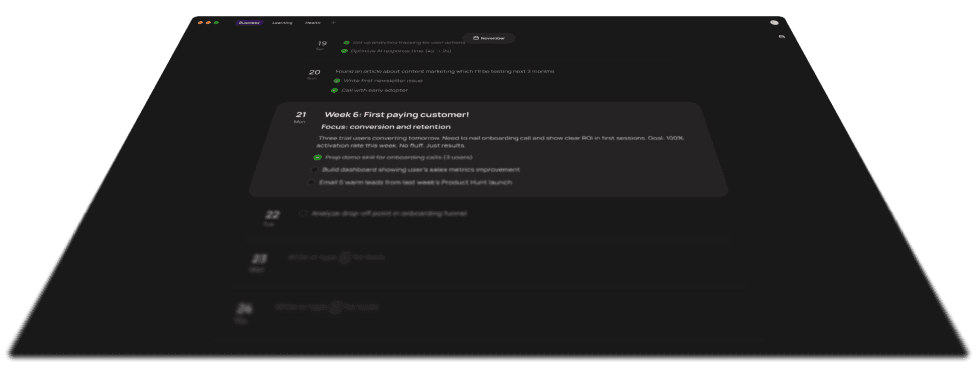
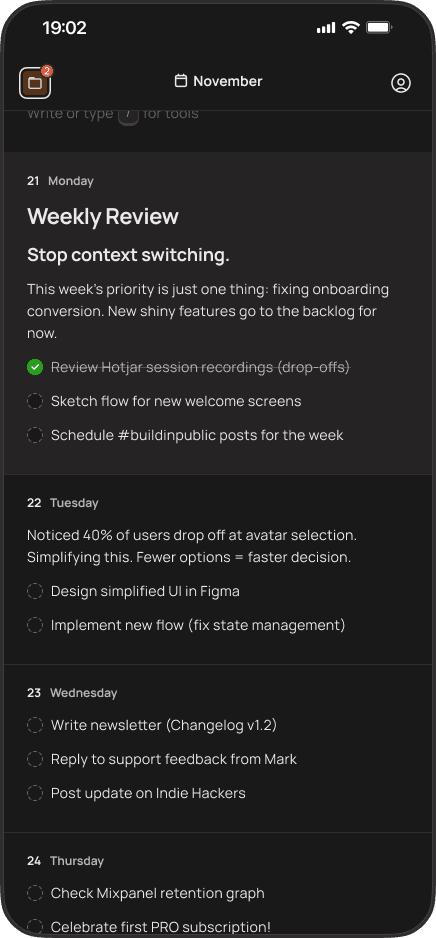
Plan what sits underneath. Paso is a private timeline planner for the code, bugs, decisions, 1:1s and customer issues that never fit on the company board.
Featured in:
A private timeline for work that refuses to stay predictable.
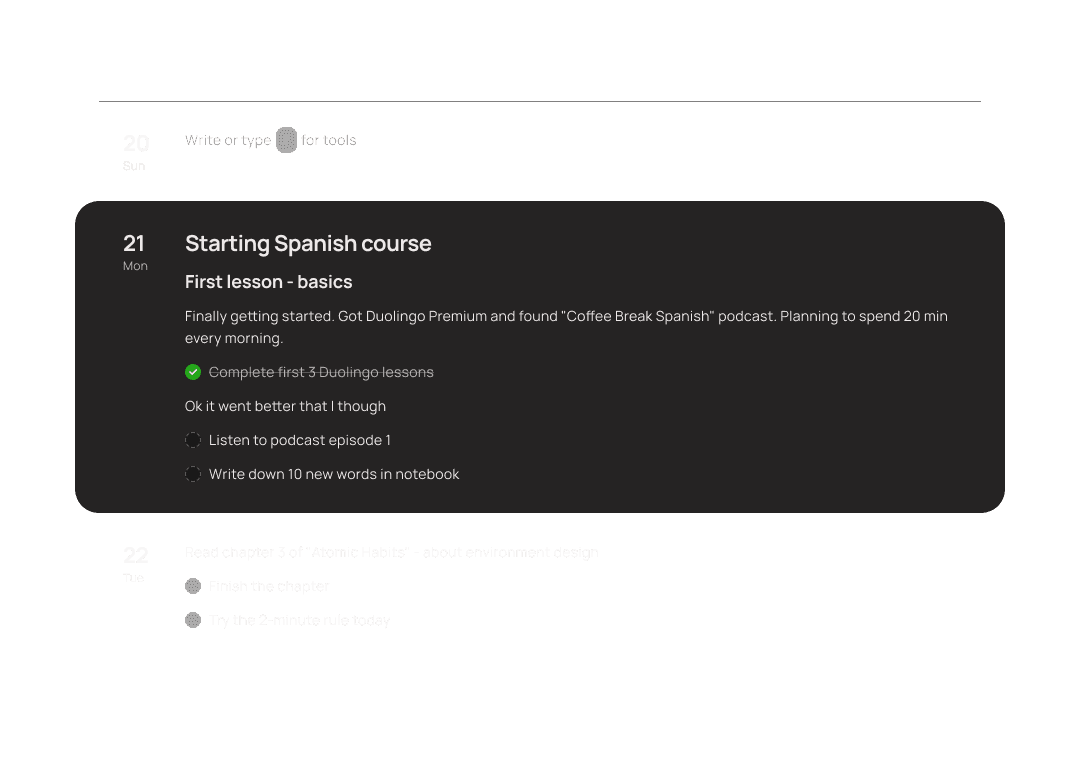
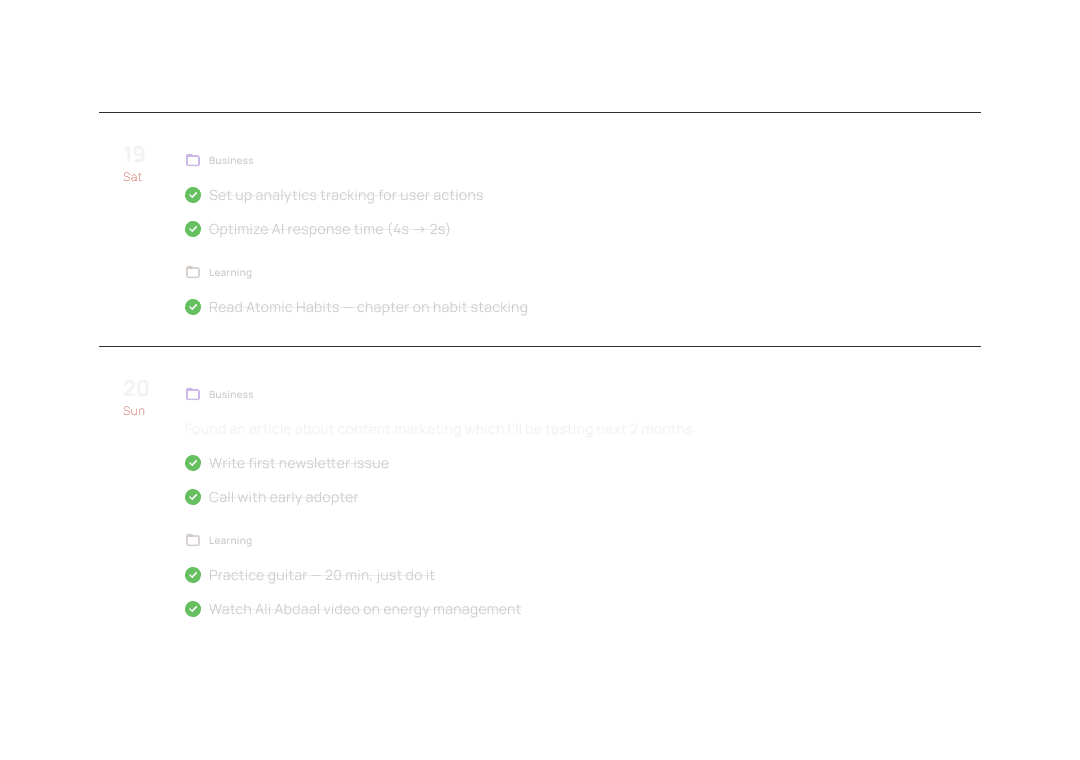
See every role you carry in one week
Keep personal plans, work, and side projects separate - or bring them onto one timeline to see how they compete for your time.
"Calendar 2.0 after decades of wait"
Denizio
"I love the little touches like when I'm deleting text, the little particles that come up! Super fun, and gives great personality!"
Aidan
"I always hated Notion. So I was looking for an alternative where I can put down thoughts or tasks quickly, which is exactly what Paso can do."
Marvin
"Nozbe used to give me a similar sense of mental relief, but Paso surpasses it in simplicity and effectiveness."
Tomasz
"I could just open it and start working right away. No unnecessary setup like in Notion or Obsidian."
Hubert
"Notion, but simple - no bullshit. Strong product..."
Kamil
"Finally something simple, yet sufficient. I tried Notion and Obsidian, but all the setup always discouraged me."
Pavel
"I appreciate how simple it is to use and how simple and clear UI interface is. The timeline solution is excellent, and the draft space is very useful."
Rafbandura
"I love the timeline, being able to see what you’ve done on what day is awesome."
Will
"Paso helps me build a timeline of my work process and understand whether I’m staying within a reasonable workload. That is the key value for me."
Denizio
"A multi-day perspective and flexibility is what I was missing in all previous apps. Paso nails it."
Maciej
"I am running a couple of separate lines of work / research projects in my current job, Paso works great for this."
Wolfgang
"I was looking for something simple with a friendly UX and UI, and Paso is exactly that."
Rafał
Simple enough to survive a startup week.
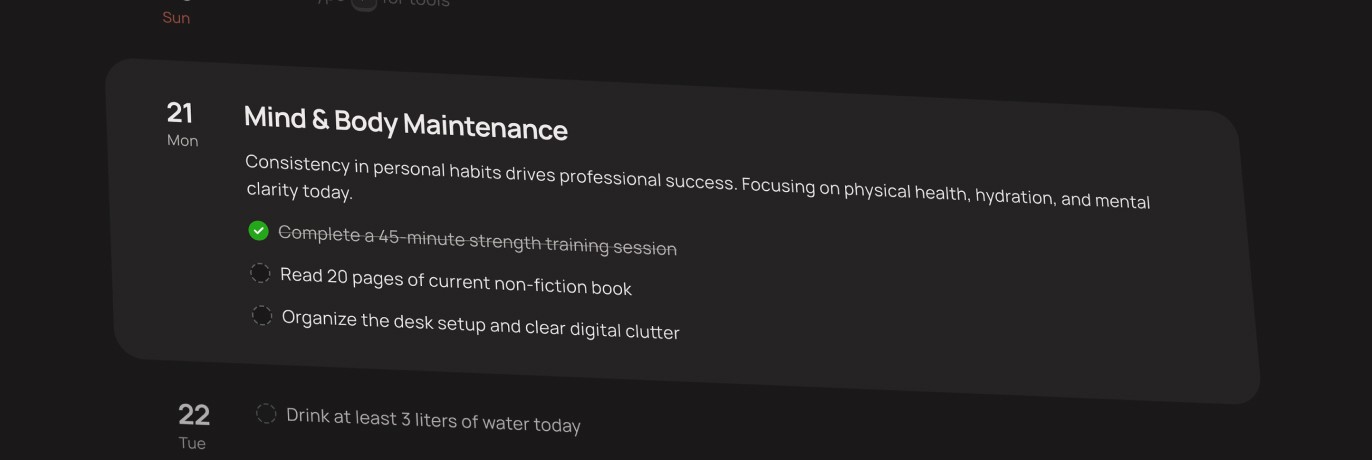
No system to maintain
Open Paso, write what matters and adjust the week. No databases, tags or planning workflow to configure first.
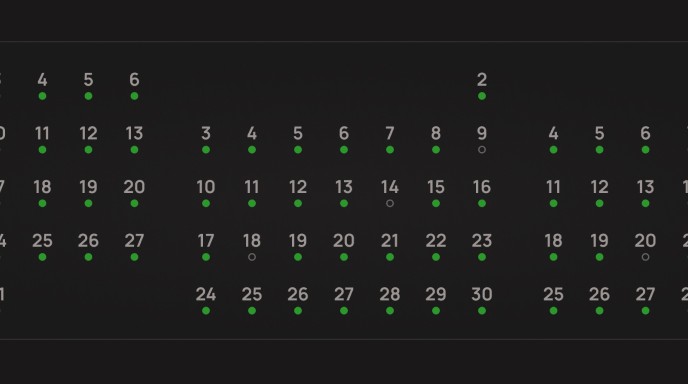
Proof that the week moved
Look back at the decisions, fixes and finished steps that kept the company moving, even when the main project is still open.
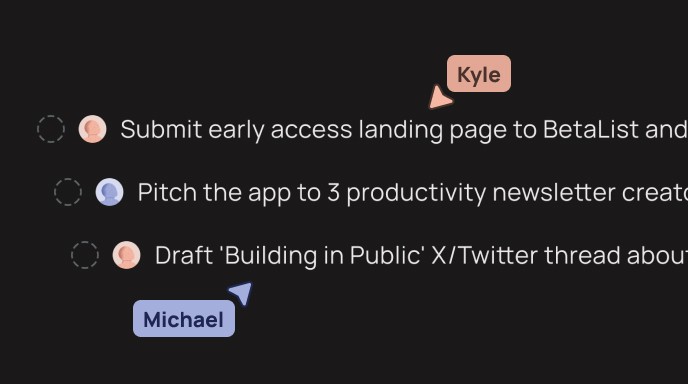
Private until you choose to share
Keep your own planning private. Share a project when collaboration helps without exposing the rest of your timeline.
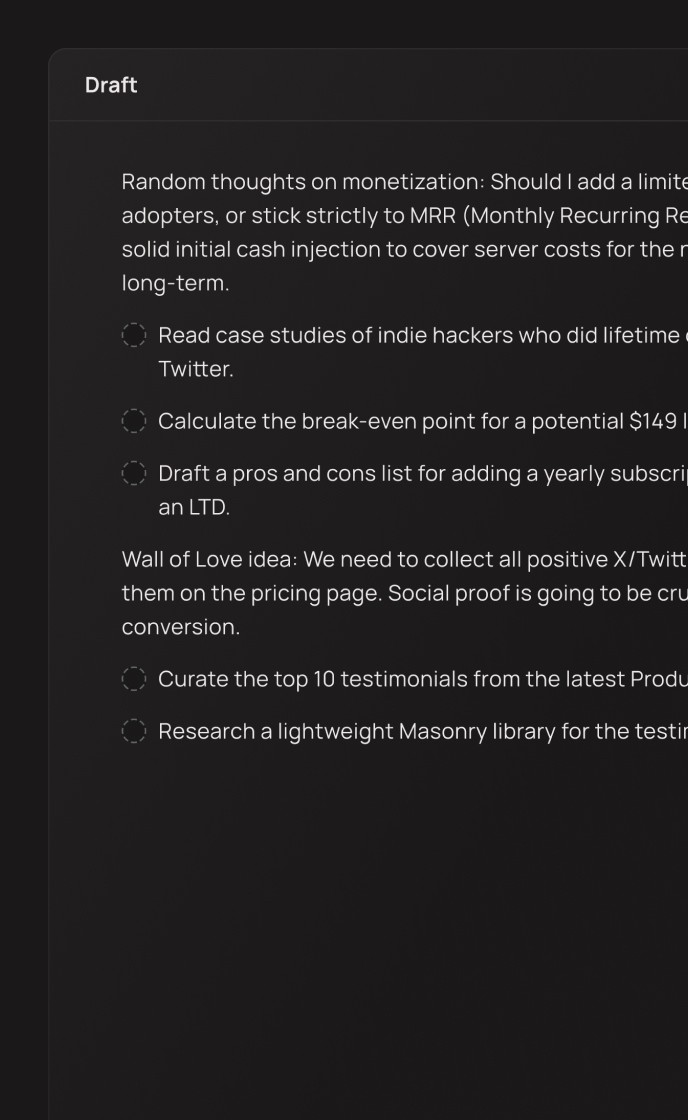
A place for what comes later
Move a request into the backlog without losing it or pretending you can handle it today. Bring it into the week when there is space.
Frequently
asked questions
We already have a company board. Why do I need Paso?
Will Paso tell me what to prioritize?
Can I plan technical work that is hard to estimate?
Can I keep sensitive work private?
Can I see meetings next to my tasks?
Can I use Paso across devices and offline?
Is Paso free?