We bet on focus. Not friction.
We bet on focus.
Not friction.
We’ve built Paso minimalistic on purpose. Few features, one clear flow
that turns ideas into movement, not maintenance.
We’ve built Paso minimalistic on purpose. Few features, one clear flow that turns ideas into movement, not maintenance.

Projects
Create separate spaces for tasks and notes to define each direction.
Projects
Create separate spaces for tasks and notes to define each direction.
Drafts
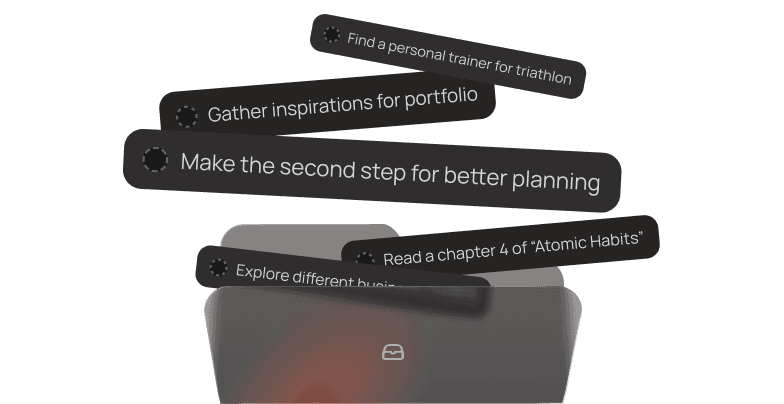
The staging area for ideas you want to keep but are not ready to schedule.
Drafts
The staging area for ideas you want to keep but are not ready to schedule.

Calendar integration
Connect Google & Apple calendars to gauge your free time and plan smarter.
Calendar integration
Connect Google & Apple calendars to gauge your free time and plan smarter.
Calendar integration
Connect Google & Apple calendars to gauge your free time and plan smarter.

Drag & drop
Move tasks and ideas between your Inbox and Timeline, or rearrange blocks.
Drag & drop
Move tasks and ideas between your Inbox and Timeline, or rearrange blocks.
Drag & drop
Move tasks and ideas between your Inbox and Timeline, or rearrange blocks.

Formatting
Use H1, H2, lists, and tasks to structure content neatly on your timeline.
Formatting
Use H1, H2, lists, and tasks to structure content neatly on your timeline.

Shortcuts
Keyboard shortcuts like '/' speed up writing and accessing all key tools.
Shortcuts
Keyboard shortcuts like '/' speed up writing and accessing all key tools.

Calendar
Quickly jump to distant dates and track progress (done/empty days).
Calendar
Quickly jump to distant dates and track progress (done/empty days).
Calendar
Quickly jump to distant dates and track progress (done/empty days).
Realtime sync
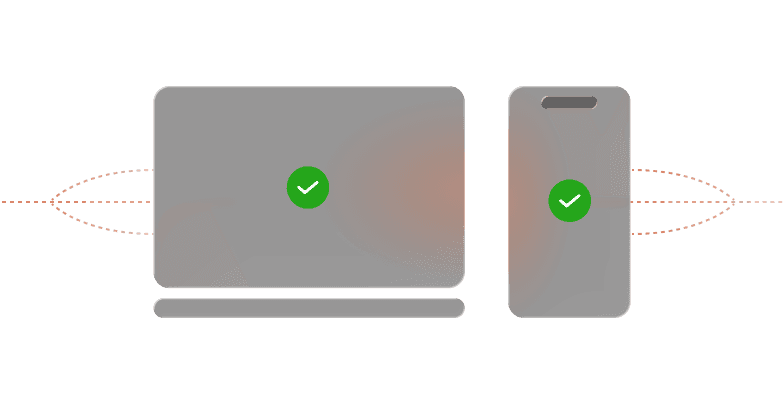
Sync your data instantly across all devices, from desktop to mobile.
Realtime sync
Sync your data instantly across all devices, from desktop to mobile.
Realtime sync
Sync your data instantly across all devices, from desktop to mobile.

Recurring tasks
Automatically schedule recurring actions at a defined rhythm.
Recurring tasks
Automatically schedule recurring actions at a defined rhythm.
Recurring tasks
Automatically schedule recurring actions at a defined rhythm.
Collaboration
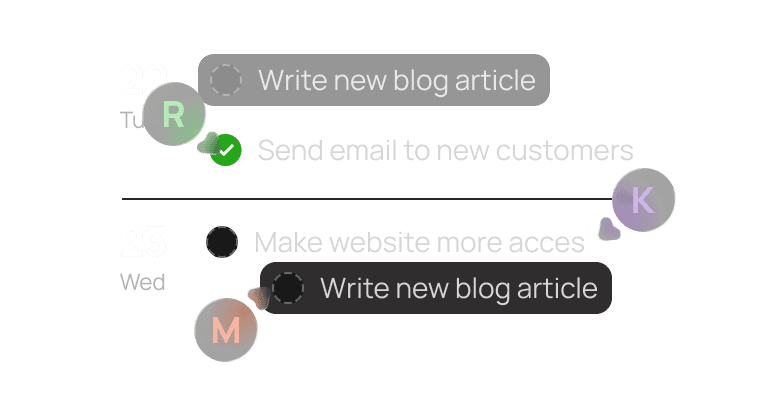
Work together with your team on a project. Real-time collaboration.
Collaboration
Work together with your team on a project. Real-time collaboration.

Auto-reschedule
Unfinished tasks move forward automatically, keeping your timeline clean.
Auto-reschedule
Unfinished tasks move forward automatically, keeping your timeline clean.
Auto-reschedule
Unfinished tasks move forward automatically, keeping your timeline clean.

Notifications
Stay on top of your day with timely reminders for upcoming tasks and events.
Notifications
Stay on top of your day with timely reminders for upcoming tasks and events.
Didn’t find what you were looking for?
Leave us your feedback or feature request and help us improve Paso.
You’ve always been starting. Now it’s time to keep going.
Start moving with Paso.
You’ve always been starting.
Now it’s time to keep going.
Start moving with Paso.
You’ve always been starting. Now it’s time to keep going.