Scroll to plan ahead or see how far you've come
Your timeline stretches forward and backward. Plan tomorrow or check last week - no switching views or archives. Progress stays visible, day after day.

A daily planner where your tasks and notes live on the same page so you always know what to do and why. No complex setup.
Featured in:
Complex apps ask you to set up databases, pick templates, and organize tags before you write a single task. Simple ones give you checkboxes with no room for context. And in both, unfinished tasks pile up day after day until the list feels heavier than the work itself.
Your timeline stretches forward and backward. Plan tomorrow or check last week - no switching views or archives. Progress stays visible, day after day.
No templates. No databases. No tags to organize first. A minimalist day planner that works the moment you open it - plan your day in under 30 seconds.
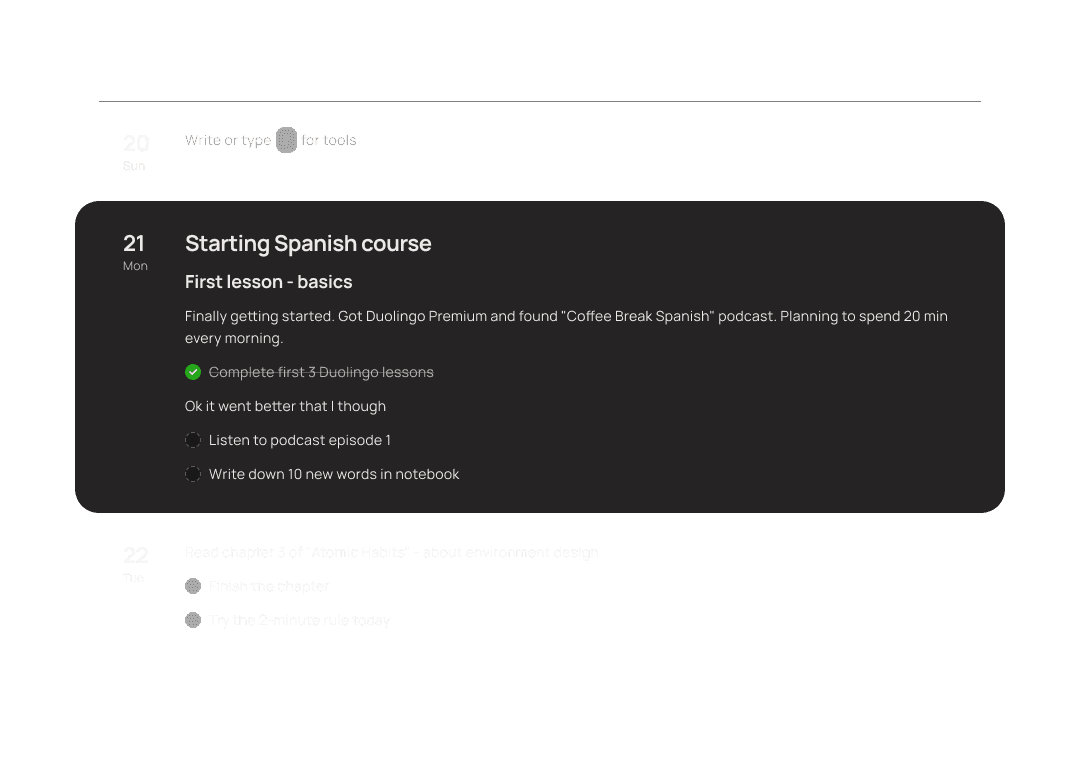
Write down what you need to do. Add notes, thoughts, and context around it. Your tasks and notes stay in one place - so you always know what to do and why.
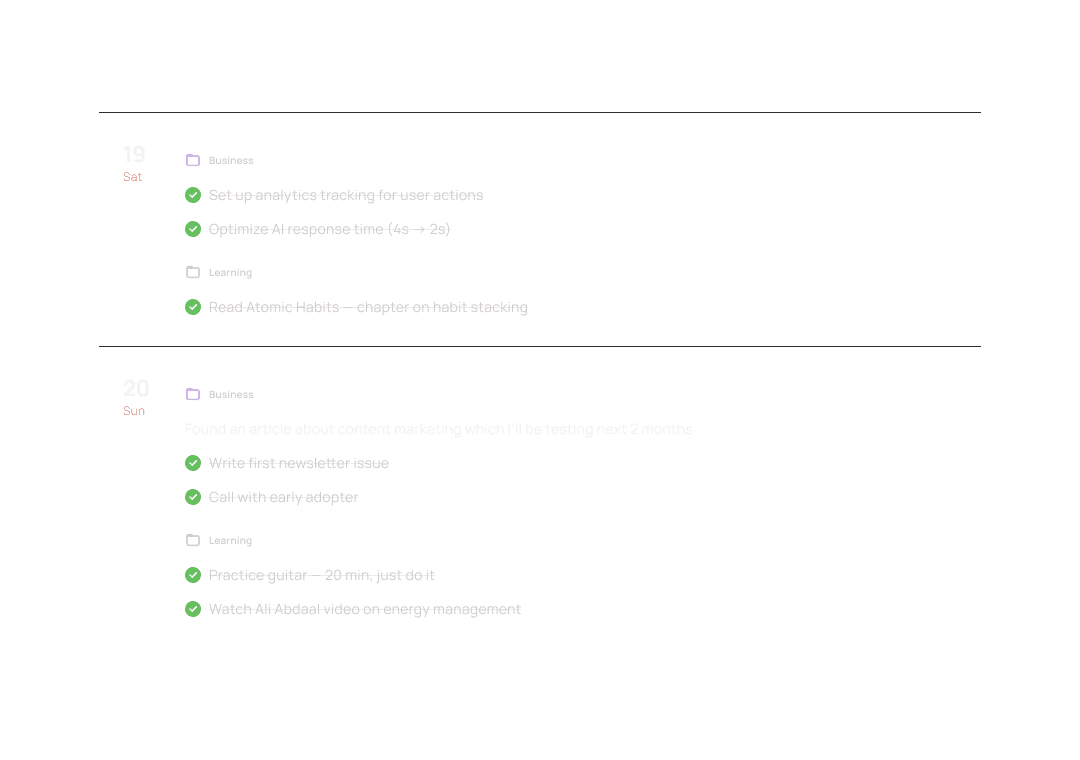
Run multiple projects on a single timeline. See everything planned for a given day across all your contexts - without switching between separate apps.
Calendar 2.0 after decades of wait
I love the little touches like when I'm deleting text, the little particles that come up! Super fun, and gives great personality!
I always hated Notion. So I was looking for an alternative where I can put down thoughts or tasks quickly, which is exactly what Paso can do.
Nozbe used to give me a similar sense of mental relief, but Paso surpasses it in simplicity and effectiveness.
I could just open it and start working right away. No unnecessary setup like in Notion or Obsidian.
Notion, but simple - no bullshit. Strong product...
Finally something simple, yet sufficient. I tried Notion and Obsidian, but all the setup always discouraged me.
I appreciate how simple it is to use and how simple and clear UI interface is. The timeline solution is excellent, and the draft space is very useful.
I love the timeline, being able to see what you’ve done on what day is awesome.
Paso helps me build a timeline of my work process and understand whether I’m staying within a reasonable workload. That is the key value for me.
A multi-day perspective and flexibility is what I was missing in all previous apps. Paso nails it.
I am running a couple of separate lines of work / research projects in my current job, Paso works great for this.
I was looking for something simple with a friendly UX and UI, and Paso is exactly that.
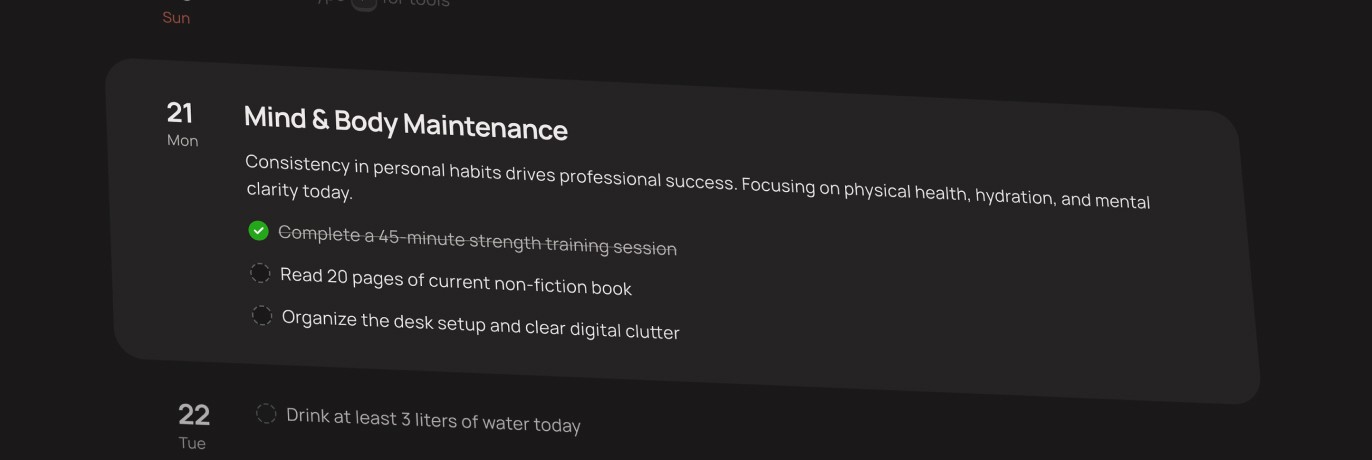
No tags. No filters. No priority levels. Paso is stripped down so you spend your time planning, not configuring your planner.
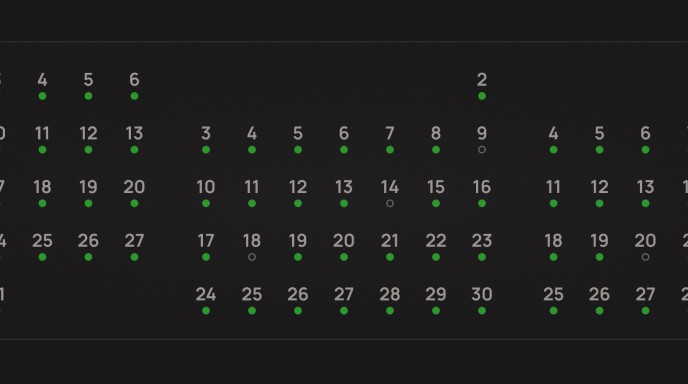
Each day carries a small progress signal - finished, unfinished, or untouched. The pattern tells you more than any report.
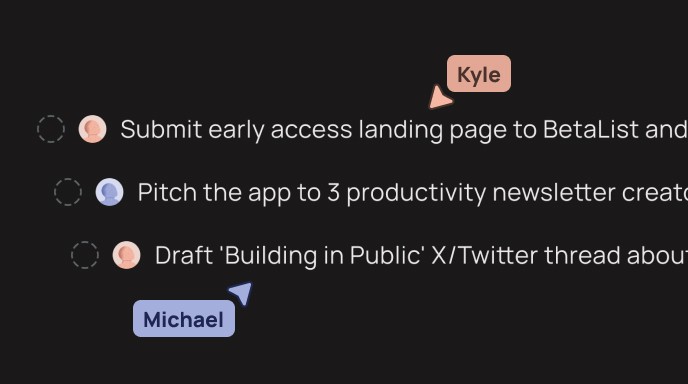
Invite a friend to a project and plan on a shared timeline. Keep your other projects private - they see only what you share.
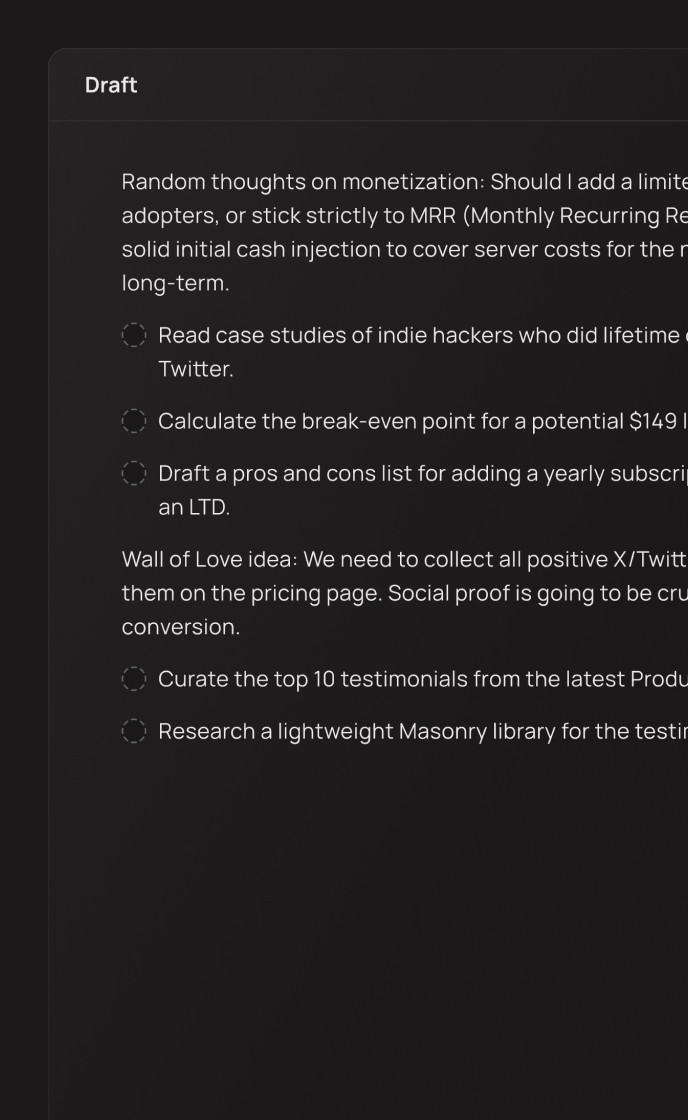
Nothing gets lost. Nothing clutters your plan. When the moment comes, drag them as notes or tasks on your timeline.
Yes. Paso has a free plan with everything you need to start. Premium adds extra features for $24/month or $229/year.
Yes. Your plans sync in real time across iOS, macOS, Android, and web. Open Paso anywhere and pick up where you left off.
Yes. Run multiple projects on one timeline - work, personal, side project - and see everything planned for a given day across all of them.
Yes, Paso has integration with Google Calendar. You can see and edit your meetings right next to your tasks. No need to leave Paso for full overview of your plan.
Yes. Invite a friend to a project and plan together on a shared timeline. Your other projects stay private - they see only what you choose to share.
Yes. You can plan and write even without an internet connection. Your changes sync automatically when you're back online.
Yes. Your data is encrypted and synced securely across devices. We don't sell or share your information. Your plans stay private.
Paso is free to try. Sign up in seconds, no setup required. Open it and plan your first week in minutes. $24/month
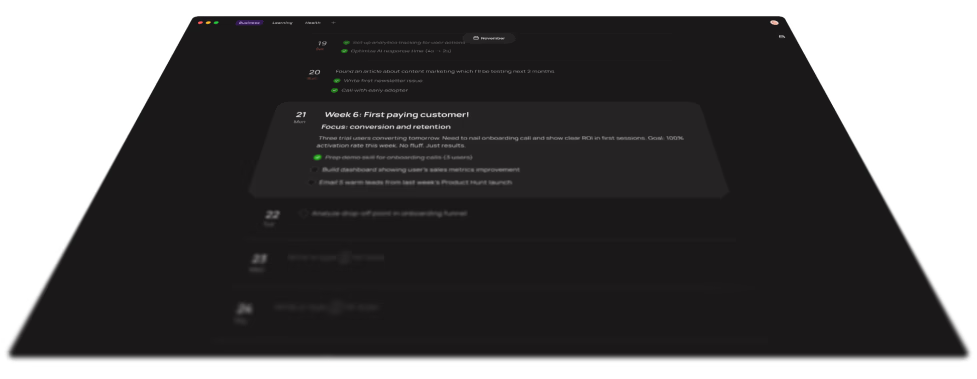
Planning techniques you can try tomorrow, honest tool comparisons, and ideas worth keeping. Short reads for people who plan their own days.

Apple Reminders is a great free list app, but it is not a day planner. An honest comparison of Reminders vs Paso, the cross-platform timeline planner.

TickTick is a feature-dense task manager; Paso is a calm timeline day planner. An honest 2026 comparison of which one actually fits how you work.

Timeline planning means seeing your week as one continuous line, not a flat list. What it is, how it differs from to-do lists and time blocking, and how to start.


